Replacing a PACS or moving to a vendor neutral archive (VNA) is one of the biggest projects an imaging department takes on. Years of studies, reports and patient history have to move from a legacy system to a new platform, while radiologists keep reading and patients keep getting scanned.
Done well, a migration is almost invisible to clinicians. Done poorly, it can mean missing priors, mismatched patients and frustrated radiologists. This checklist walks through the phases that matter most, based on the kind of work Sacred Heart Imaging Solutions supports every day, including data migration and conversion from legacy systems, integration with EHR and RIS, and vendor coordination.

Phase 1: Plan and scope the migration
Before a single study moves, get clear on what you’re migrating and why.
- Define the scope. Which modalities, date ranges, sites and departments are included? Will you migrate everything or only studies inside your retention policy?
- Identify all data sources. Legacy PACS, archives, departmental systems such as cardiology PACS (CPACS), and any offline media.
- Confirm retention requirements. Work with compliance and legal on how long each type of study must be kept.
- Name the owners. Assign a project lead, a PACS administrator, a radiology champion, and contacts at each vendor.
- Set the timeline around clinical reality. Plan heavy data movement for off-peak hours and avoid busy periods.
Phase 2: Audit and clean the source data
Most migration problems start in the legacy data, not the new system.
- Run a data inventory. Count studies, series and images by modality and year so you have a baseline to validate against later.
- Find data quality issues. Look for duplicate patients, missing or inconsistent identifiers, unverified studies, and studies with no matching order or report.
- Decide how to handle exceptions. Agree in advance what happens to studies that fail checks: fix, quarantine, or migrate with flags.
- Locate reports. Confirm where final reports live and how they’ll follow the images.
Phase 3: Map DICOM and HL7 data
This is where technical detail matters most.
- DICOM tag mapping. Document how patient IDs, accession numbers, study descriptions and institution names map from the old system to the new one, including any tag morphing that’s needed.
- Patient identity and MRN changes. If organizations have merged or MRN formats changed, plan how identifiers will be reconciled.
- HL7 interfaces. Confirm how orders (ORM), results (ORU) and patient updates (ADT) will flow between the EHR, RIS and the new PACS or VNA.
- Hanging protocols and priors. Make sure relevant priors will be available to the new viewer so radiologists aren’t missing comparisons.
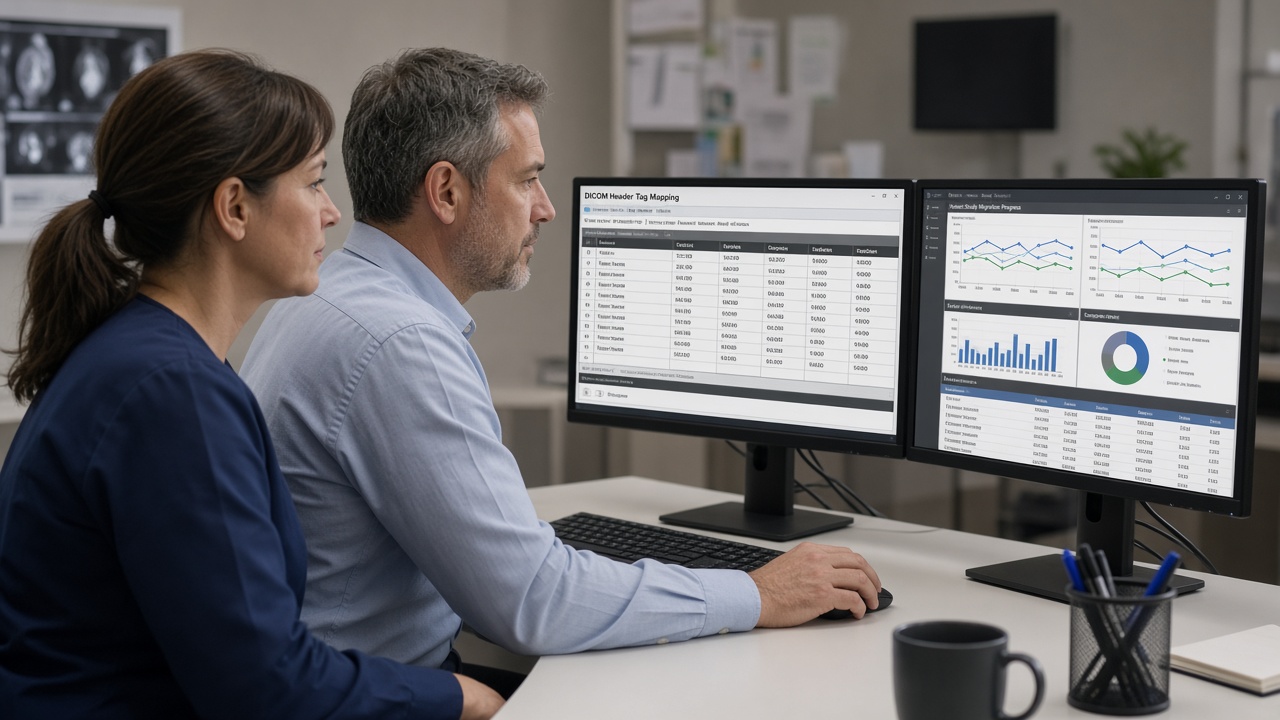
Phase 4: Test before you move everything
- Run a pilot migration with a representative sample: multiple modalities, large studies, old studies, and known problem cases.
- Validate at three levels: study counts, image counts, and a visual spot-check of images and reports.
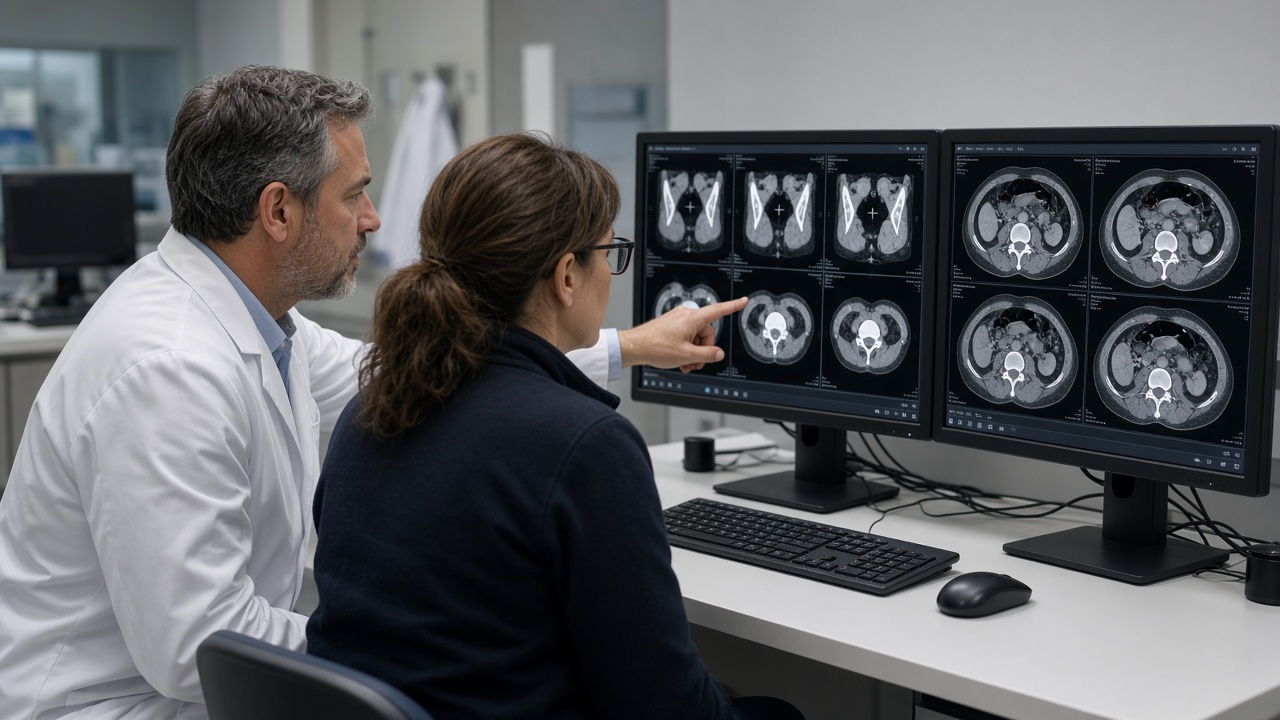
- Involve radiologists early. Have readers review migrated studies in the new viewer to confirm they display correctly.
- Test integrations end to end. Place a test order, acquire, read, report and confirm the result reaches the EHR.
Phase 5: Migrate, monitor and reconcile
- Prioritize recent and frequently accessed studies so the most clinically useful priors are available first.
- Monitor throughput and errors daily, and keep a running log of exceptions and how each was resolved.
- Reconcile counts between source and destination regularly, not just at the end.
- Keep the legacy system available read-only until reconciliation is complete and stakeholders sign off.
Phase 6: Cutover and go-live support
- Communicate the cutover plan to radiologists, technologists, front desk and IT so everyone knows what changes and when.
- Provide at-the-elbow support during the first days of go-live.
- Train users on new features and workflows, and offer ongoing support afterward.
- Track incidents and report on them so the team can fix root causes, not just symptoms.
Phase 7: Close out and document
- Final reconciliation report showing what migrated, what was excluded, and why.
- Compliance documentation for audits and reviews.
- Decommission the legacy system only after data has been verified and retention needs are met.
Real-world troubleshooting matters
Migrations and new go-lives often surface problems that aren’t obvious on paper, from interface errors to network slowdowns. Here’s what one SHIS client shared:
In our PACS Hospital IT environment, we encountered a critical issue with reports failing to send via fax, which disrupted our operations. Cesar’s deep knowledge and troubleshooting skills were instrumental in resolving the problem. He swiftly pinpointed the issue and implemented an effective solution, ensuring our reporting process remained efficient and reliable. His expertise made a significant difference in maintaining the smooth flow of our radiology services.
Jeff C. in Georgia (source: SHIS Our Story page)
FAQ
How long does a PACS migration take?
It depends on data volume, data quality, network bandwidth, and how many systems are involved. A careful audit and pilot are the best way to get a realistic estimate for your environment.
What’s the difference between a PACS and a VNA?
A PACS is focused on storing, displaying and reading images, usually tied to a viewer and workflow. A VNA is a vendor-neutral archive designed to store imaging data in standard formats so it can be shared across different systems and viewers.
Will radiologists lose access to priors during migration?
They shouldn’t, if the migration is planned well. Prioritizing recent studies and keeping the legacy system available read-only helps keep priors accessible.
Do you work with specific vendors?
Sacred Heart Imaging Solutions has worked on projects involving platforms such as Hyland VNA, Visage PACS, Nuance/Microsoft PowerScribe One and mPower, and Konica Minolta EXA, and acts as a liaison with PACS vendors for support, upgrades and service agreements.
Planning a migration? Let’s talk.
Sacred Heart Imaging Solutions brings over two decades of healthcare IT experience to PACS, CPACS and VNA projects, from system installation and data migration to workflow optimization and go-live support. To learn more about the founder’s background, visit CesarRamirez.com.
Looking for a PACS / CPACS support analyst? Contact Sacred Heart Imaging Solutions to get support now.