
Short answer: A reliable home reading station needs five things working together: displays appropriate for the studies you interpret, a workstation that meets your PACS vendor’s specifications, a stable wired internet connection, secure remote access approved by your organization, and a fully configured PACS viewer and dictation system (such as PowerScribe) that has been tested end to end before your first shift. Most “remote reading is slow” complaints come from the network path or the client setup, not the radiologist’s skill or the PACS itself.
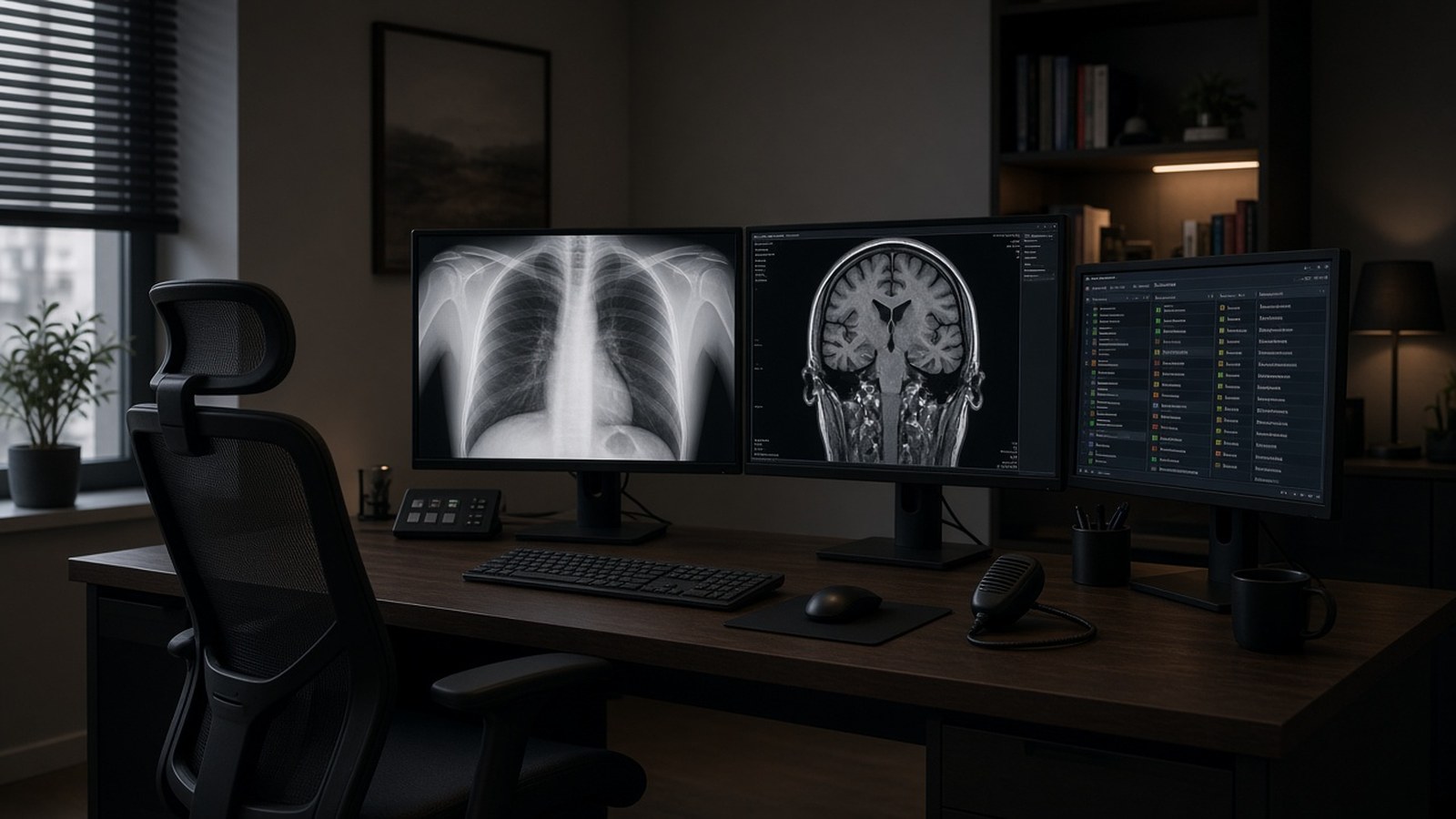
A home office is not a reading room, and small gaps, like a Wi-Fi connection, a missing certificate or an unpaired dictation microphone, can turn a shift into a frustrating one. This checklist walks through what to plan before a radiologist reads from home.
1. Start with your organization’s requirements
Before buying anything, get the rules from the group or hospital you read for:
- Approved hardware list from the PACS and reporting vendors (Sectra, Visage, Konica Minolta, and others each publish workstation specifications).
- Display requirements for each modality you’ll read. Guidance such as the ACR–AAPM–SIIM technical standards for electronic practice of medical imaging is a common reference. Mammography deserves extra attention: displays used for interpreting mammograms have specific regulatory requirements, so confirm with your facility and its medical physicist before reading breast imaging from home.
- Security policy: VPN or virtual desktop, multi-factor authentication, device encryption and whether personal computers are allowed at all.
Getting these answers first avoids buying monitors or a PC that can’t be used for primary reads.
2. Displays and the reading environment
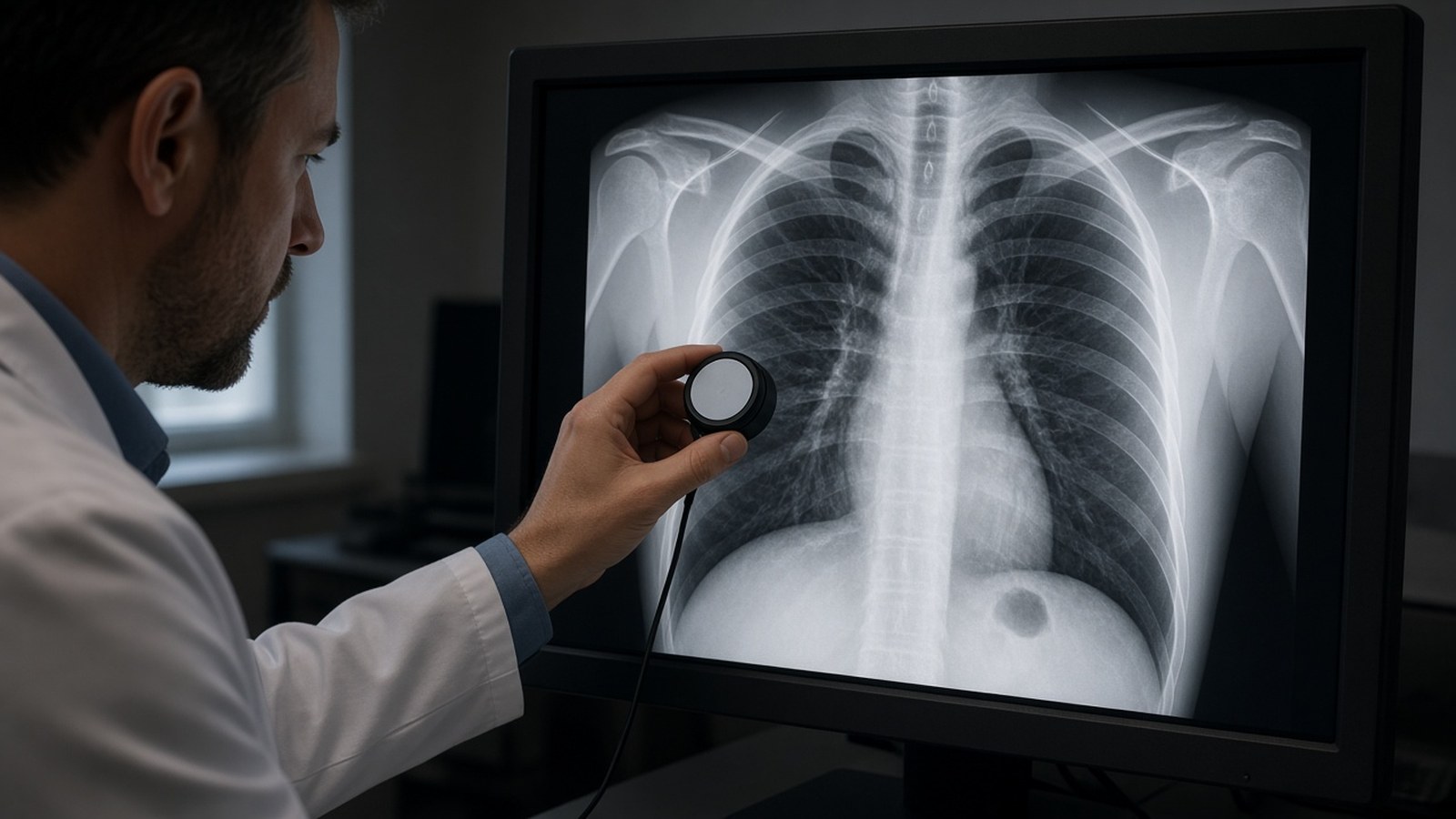
- Use diagnostic-grade displays where your requirements call for them, plus a separate monitor for the worklist, EHR and reporting.
- Keep calibration and QA in place. Many diagnostic displays include calibration software; make sure someone owns the QA schedule and records.
- Control ambient light. Reading rooms are dim for a reason; glare from a window can make subtle findings harder to see.
3. The workstation
- Match or exceed the vendor’s published specifications for CPU, memory, graphics card and operating system.
- Use a graphics card supported by your display vendor for calibration and multi-monitor setups.
- Keep the operating system, drivers and browser patched, but coordinate updates with your PACS team; an untested driver or OS update can break a viewer.
- Add local storage space and caching if your viewer supports prefetching studies, which can make large CT, MR and tomosynthesis studies open faster.
4. Home internet and the network path
This is where most remote reading problems start.
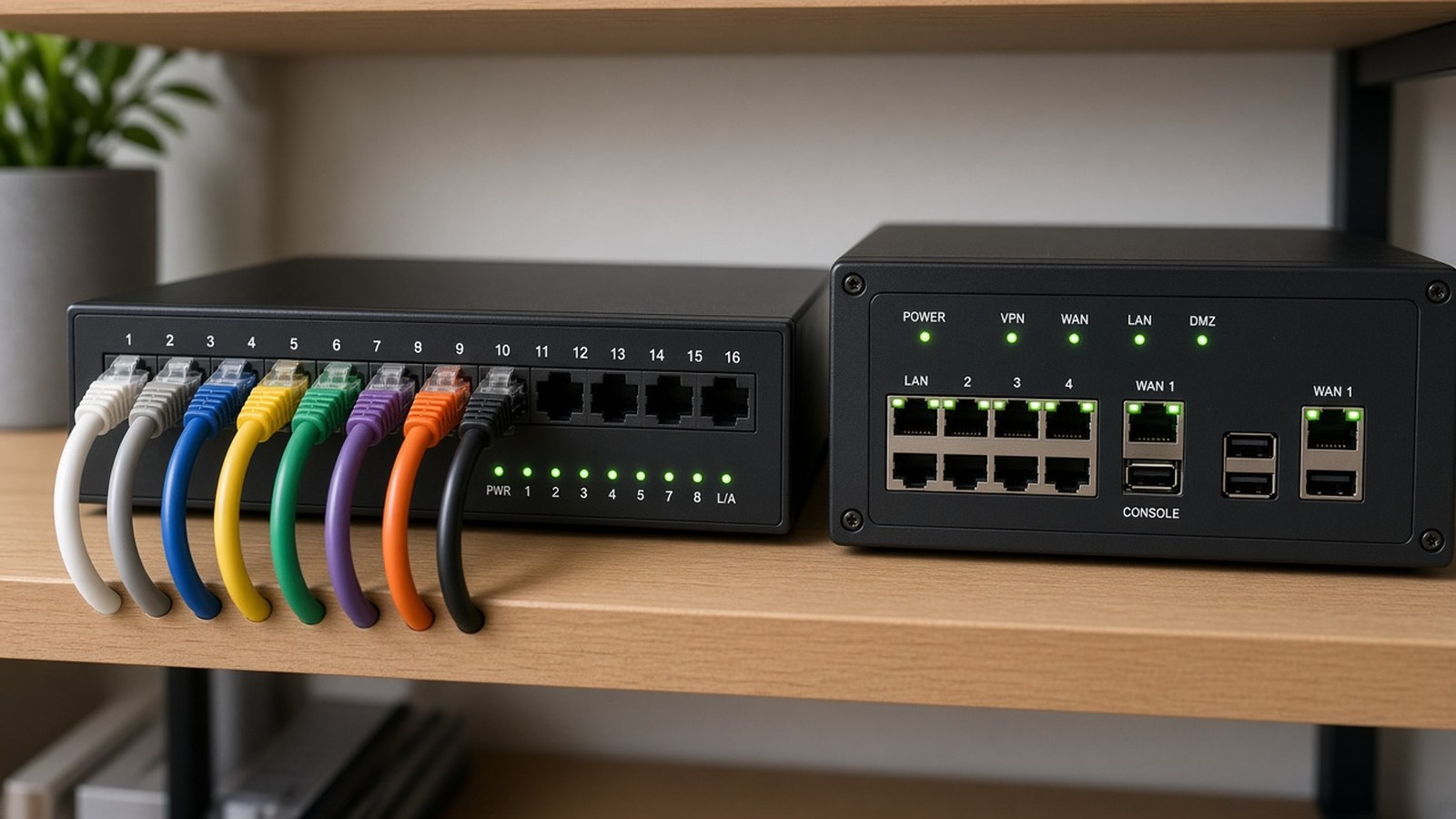
- Plug in with Ethernet. Wi-Fi and mobile hotspots are more likely to drop packets and add delay. They can work in a pinch, but they’re a poor default for primary reads.
- Ask your PACS vendor what bandwidth and latency they recommend for your modality mix, and test at the times you actually read.
- Consider a backup connection (a second provider or a cellular failover) so a home internet outage doesn’t end your shift.
- Check DNS and routing. A misconfigured DNS server or a slow VPN path can add seconds to every study you open, even on a fast connection.
A real example from our work:
“Cesar’s high level of technical expertise in Medical IT was instrumental in supporting our radiology services. While assisting Dr. Chan, SHIS pinpointed a DNS issue causing delays, and Cesar quickly identified the root cause. He went above and beyond by developing a custom Python application to perform network and security checks. His swift action and deep understanding of the system also allowed him to identify and resolve the slowness Dr. Chan experienced while reading mammograms over a hotspot on a train.”
— Dr Chan, Radiologist (Sacred Heart Imaging Solutions, Our Story)
For the home network itself, such as the router, switch, firewall and Wi-Fi, our partner A. Computer Doctor provides IT and network support.
5. Security and HIPAA
A home reading station handles protected health information, so treat it like a hospital endpoint:
- Use the remote access method your organization approves (VPN, virtual desktop or a vendor gateway) with multi-factor authentication.
- Encrypt the disk, lock the screen automatically and keep the workstation for reading only, not shared with family.
- Don’t save images or reports locally unless policy allows it, and keep any local cache protected.
- Keep antivirus/endpoint protection and patching current, coordinated with your IT team.
6. PACS, worklist and dictation setup
- Install and log in to the PACS viewer and confirm hanging protocols, preferences and prior-study comparisons match what you use on site.
- Confirm the reading worklist shows the right sites, modalities and priorities.
- Set up dictation: install the reporting client (for example PowerScribe), pair and test the microphone, and load your templates and macros.
- Verify the EHR link opens the correct patient when you launch from PACS.
- Know who to call: PACS support, reporting support and IT, with phone numbers you can reach from home.
7. Test before the first live shift
Do a full dry run: open a large CT or MR study, compare with priors, dictate and sign a test report, and confirm it reaches its destination. Time how long studies take to open on your home connection compared with on site. If something is slow, fix it now, not during an overnight shift.
Frequently asked questions
Can a radiologist read from home over Wi-Fi?
It may work, but a wired Ethernet connection is more reliable. Hotspots and congested Wi-Fi are a common cause of slow or stalled image loads.
What monitors does a radiologist need at home?
It depends on the modalities you read and your organization’s requirements. Diagnostic-grade displays are typical for primary interpretation, and mammography has its own display requirements. Confirm with your facility before purchasing.
Why are studies slow to open at home but fast at the hospital?
Common causes include Wi-Fi or hotspot connections, VPN routing, DNS problems, missing prefetch or caching, and workstation specs below vendor recommendations. Testing each hop usually finds the bottleneck.
Who should set up a home reading station?
Usually a mix of the radiology group’s IT team, the PACS administrator and the vendors. A PACS consultant can coordinate all of them and test the full workflow.
Get help setting up remote reading
Sacred Heart Imaging Solutions is led by Cesar Ramirez, who brings 20+ years of healthcare IT experience across PACS, DICOM, HL7, Sectra, Visage, Epic and PowerScribe, plus a B.S. in Computer Engineering from Cal Poly San Luis Obispo. We help with PACS installation and configuration, troubleshooting, integration with EHR and RIS systems, and vendor coordination, including setting up hardware and software for radiologists reading at home.
Contact us, call 951-595-7758 or email [email protected] (Mon–Fri, 8:00 AM–5:00 PM Pacific, remote from Murrieta, CA).