
Short answer: When PACS, the diagnostic viewer or the worklist fails, your first jobs are to confirm the scope, keep modalities scanning safely, protect patient identifiers, and activate a documented catch-up plan so studies are not lost or mislabeled. A downtime playbook that names who to call, how techs will work without MWL, where temporary images go, and how you reconcile when the system returns will cut chaos in the first hour and the backlog afterward.
PACS outages happen. Storage fills up, a network path drops, a vendor patch breaks a viewer, an HL7 feed stalls the worklist, or a single point of failure takes down the archive. Imaging cannot stop for long. Emergency and inpatient exams still need to be acquired and read. The difference between a controlled downtime and a messy one is almost always preparation.
Confirm what is actually down
Before you page everyone, spend two minutes defining the problem.
- Can modalities send? Try a test C-STORE from one CT or MR to the PACS AE title.
- Can radiologists open priors and current studies? Test the diagnostic viewer and any web viewer used by ED or OR.
- Is the worklist empty, or is the archive unreachable? Empty MWL with working archive is usually an HL7/RIS issue, not a PACS disk issue.
- One site or all sites? Multi-facility installs often fail one site or one VPN path first.
- One modality class or everything? A broken AE title or port on a new CT looks different from a full archive outage.
Write the scope on a shared channel or whiteboard so techs, radiologists and help desk share the same picture. If images are not arriving at all, our DICOM send troubleshooting guide covers the common causes. For worklist-only failures, see the modality worklist troubleshooting guide.

Who to call in the first fifteen minutes
Have a one-page contact list that is not locked inside the system that just failed.
- Imaging IT / PACS admin — own the technical triage and vendor tickets.
- RIS / EHR interface owner — if orders or MWL look wrong.
- Network / server team — if storage, DNS, VPN or load balancers are involved.
- PACS vendor support — open a severity-1 ticket early with AE titles, error codes and a timeline.
- Radiology leadership and ED charge — so clinical teams know what to expect for turnaround.
- Reporting / speech system owner — if PowerScribe or another reporting tool depends on the same worklist or study open.
Escalate on a clock, not on hope. If the first responder has not restored service or a clear workaround in 15–30 minutes, call the next layer and the vendor.
Keep scanning without making a bigger mess
Modalities can usually keep acquiring. The risk is wrong patient IDs, lost studies and unreadable temporary media.
- Paper or electronic downtime orders: Use the site’s approved downtime order process. Do not invent accession numbers on the fly.
- Manual patient entry: If MWL is down, techs enter demographics carefully from the downtime form. Double-check MRN and accession before each exam.
- Local modality storage: Confirm each scanner has disk space and a documented send destination for when PACS returns.
- Temporary destination: Some sites send to a secondary archive, a VNA, or a designated downtime AE. Document that AE title before the outage.
- STAT reads: Agree how radiologists will view urgent studies (modality console, temporary viewer, or burned media) and how those reads will be documented.
Never “guess” an accession to get the scanner moving. Fixing a misidentified study later costs far more than a short delay to verify IDs.
Reading and reporting during downtime
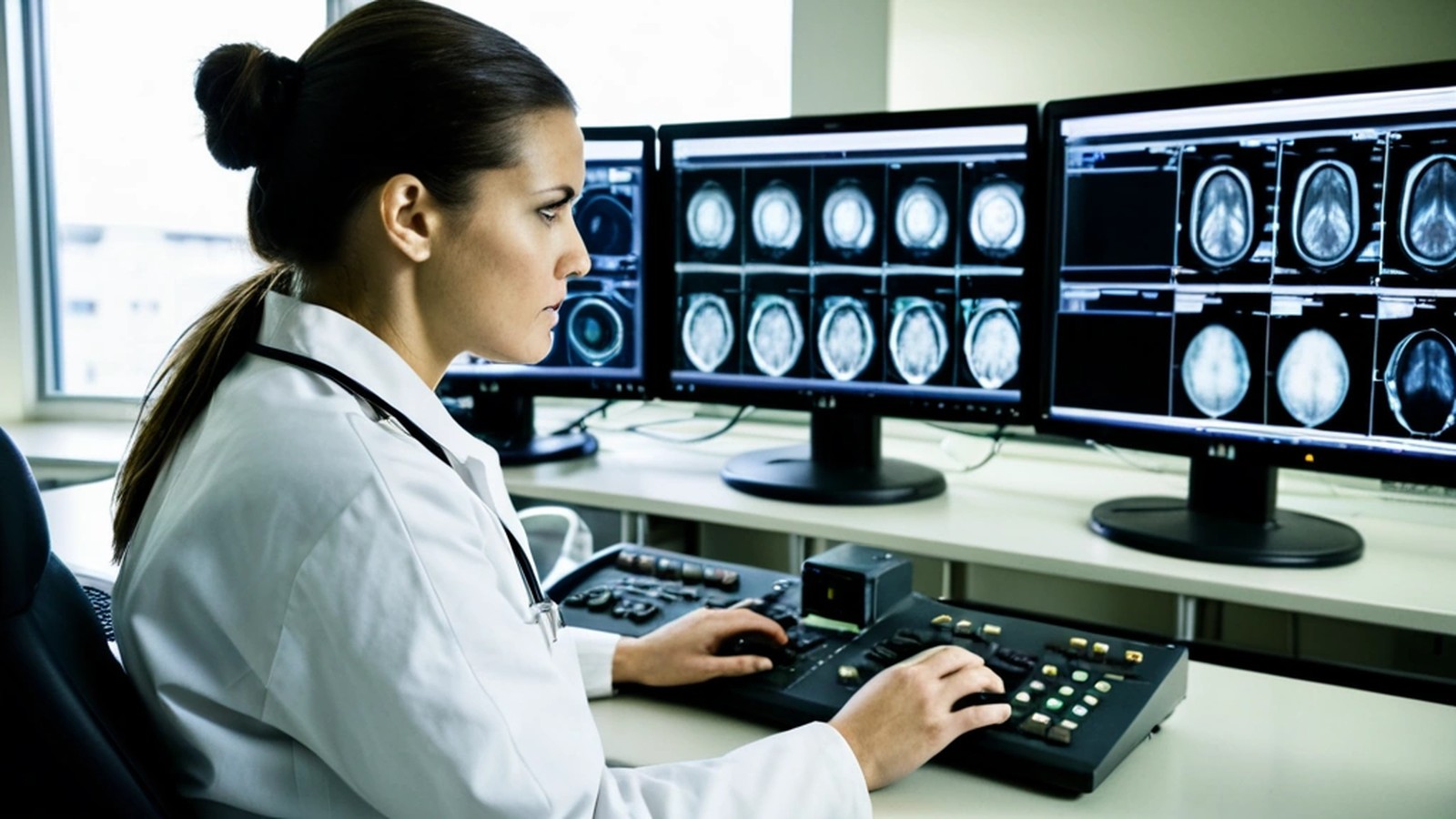
Radiologists need a defined path for STATs and for everything else.
- Prioritize emergency and OR cases first.
- Use a temporary viewing method that your medical physicists and IT have already approved when possible.
- Keep a paper or shared log of studies read offline so reports can be matched when PACS and the reporting system recover.
- If speech recognition or PowerScribe still works but cannot open the study automatically, have a manual accession/patient lookup procedure ready.
Home reading stations often fail differently from on-site stations (VPN, MFA, DNS). Test those paths in drills, not during a real outage. Our home reading station checklist covers the basics.
Catch up when PACS comes back
Restoration is only half the work. Catch-up is where studies get lost if you skip the checklist.
- Confirm C-STORE and MWL with a test patient before releasing the flood of queued studies.
- Send from modalities in a controlled order — STATs and ED first, then inpatient, then outpatient backlog.
- Reconcile the downtime log against the PACS worklist and RIS: every downtime accession should exist once, with the correct patient.
- Check for duplicates and orphans — same study sent twice, or studies with temporary IDs that need merge/fix.
- Verify priors for the first wave of reads so radiologists are not comparing against incomplete history.
- Interface catch-up — confirm HL7 orders and results that queued during the outage drained cleanly into RIS/EHR and reporting.
- Hold a short debrief the same day: root cause, duration, what worked, what to change in the playbook.
Prevent the next outage
Most “sudden” PACS downs were visible in monitoring or capacity trends for weeks.
- Monitor storage, database growth, jobs queues and DICOM association errors with alerts someone actually answers.
- Keep vendor-supported versions of PACS, viewers and speech systems, and schedule upgrades instead of emergency patches.
- Avoid single points of failure for network paths, DNS and authentication where you can.
- Maintain a tested downtime kit: contact list, AE titles, downtime forms, temporary viewing SOP and catch-up checklist.
- Run a short downtime drill once or twice a year with techs and a radiologist present.
If your archive is aging or you are planning a move, a deliberate PACS migration or VNA strategy reduces the chance that the next failure is unrecoverable.
Frequently asked questions
Should we stop all scanning when PACS is down? Usually no. Keep acquiring emergency and necessary inpatient exams with a documented downtime ID process. Elective outpatient imaging may be delayed depending on how long the outage is expected to last.
What is the biggest downtime risk? Mislabeled or lost studies — wrong MRN/accession entered at the console, or queued images never sent after recovery.
Is a slow PACS the same as downtime? Not always, but a severely slow system can force the same workarounds. See our guide on why PACS gets slow.
How often should we drill? At least annually, and after major PACS, network or reporting changes.
Get help hardening your PACS and downtime plan
Sacred Heart Imaging Solutions provides PACS install and upgrade support, data migration, EHR/RIS integration, PowerScribe-related workflow help and practical radiology IT consulting, remote from Murrieta, CA. Cesar Ramirez works as a PowerScribe Implementation Engineer on Nuance/Microsoft PowerScribe One and mPower rollouts and has years of PACS administration experience across hospital environments. You can read more about his background at CesarRamirez.com.
If your team needs a downtime playbook review, a PACS health check or help after a painful outage, contact us or email [email protected] to talk with a PACS consultant.